 USA
USA
 CA
CA




















What Does Collate Mean When Printing? The exceptional guide
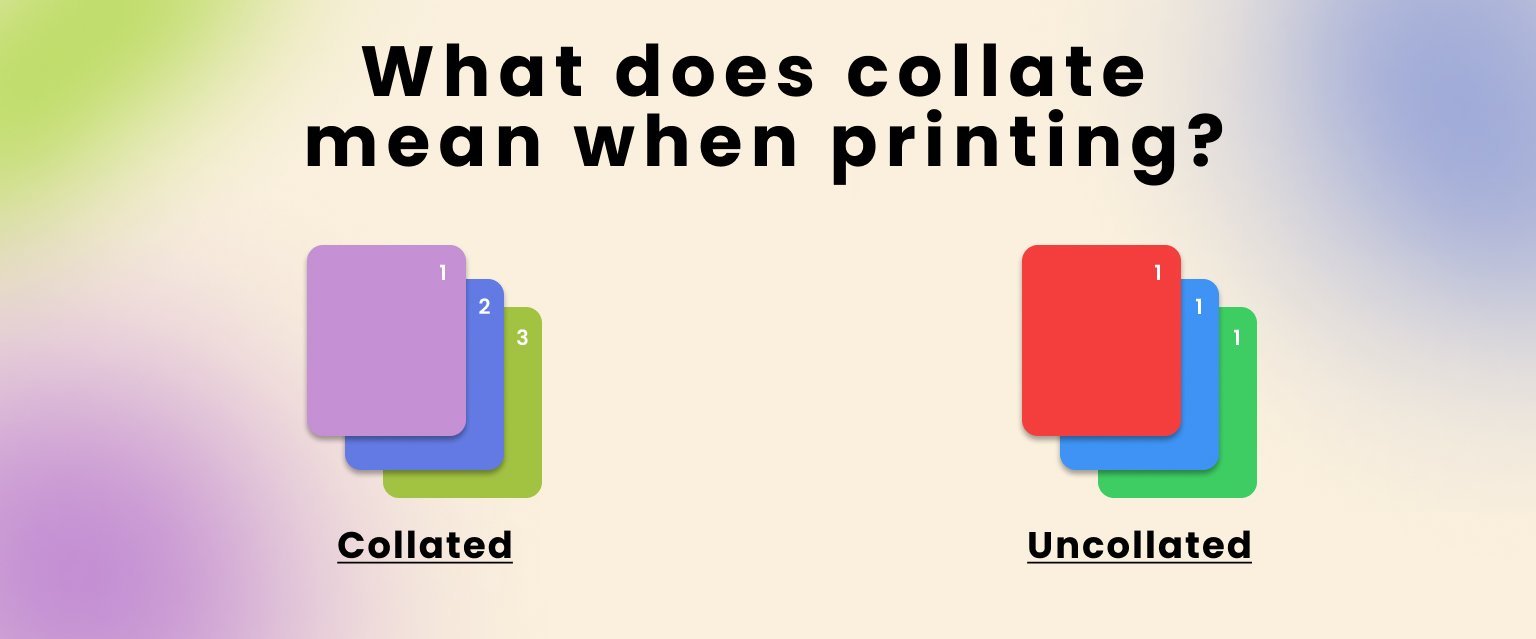
In printing, collating means organizing the output in sequential order. This refers to multiple copies of multiple-page documents.
If we say in simple words, “Collate” is a printer option that tells the printer to print each copy of your document in the right page order from start to finish.
In this blog, we will learn what does collate mean when printing? Its definition, history, benefits, common applications and issues, what is collated and uncollated, and much more.
What Does Collated Mean in Printing?
Collated printing means your pages come out already grouped in the right order for each copy, which is especially helpful when printing several copies of a long document to hand out. When ‘Collate’ is on, the printer finishes one full copy of your document in order (pages 1 to 5), then prints the next full copy and so on. This way, you can pick up all copies already arranged in the correct page order.
Collate Printing Examples
To see how collating helps in real life, look at these examples:
- A 20-page training manual: If you print several copies and turn on collating. Each set comes out as a complete manual from page 1 to page 20 in order. You can take up each set and hand it out without sorting.
- A 50-page research report: Collating ensures every copy has all 50 pages in the right sequence. So the sections and chapters stay in order and readers can follow the report easily.
- A multi-page product catalog: When you print multiple catalogs for clients. Collated printing keeps all pages of each catalog together and in order so every customer gets a complete and ready-to-use copy.
Using collating in these situations helps your printed materials look more professional, easier to read and better organized overall.
History of Collating in Printing
Collating has been part of printing ever since people began producing multi-page documents that needed to be kept in order. Early printers working with the Gutenberg press had to gather and arrange pages by hand, carefully sorting sheets into complete books. Over time, as print runs grew and publishing expanded. The mechanical collating equipment was developed to speed up this manual work. In the late 19th and 20th centuries, with the rise of automated collating machines and later digital printers. The page ordering became much faster and more accurate. Today, collating is a standard setting on office printers and quietly handles a task that once took teams of people.
The Key Benefits Of Collate Printing
At this point, you have a clear understanding of what does it means to collate when printing. Let’s take a closer look at the benefits of collating in printing.
Time Saving
The use of collation enhances the workflow and makes efficient arranging without any difficulty. It saves time to arrange pages manually. Thus, it saves time and energy while printing large documents.
Give Accurate Results
It resolves many issues like misplacing or mixing up pages. After clicking the collate button, you do not need to check the pages again. It gives results with accuracy.
Easy To Use
It is very easy to use. There is no extra work you have to do in it. Only one click and the work is complete with accuracy because the documents are immediately ready and organized in the correct order.
Best Collate In Print Option
Collate is the best print option when you need multiple copies of a multi-page document. It makes documents look professional and ready to hand out straight from the printer.
What Is Collated And Uncollated In Printing?
As we earlier discussed, collated printing means printing multi-page documents so that each copy comes out in the right page order and making them easier to read.
Uncollated printing is the opposite. It prints each page in separate stacks instead of as complete sets. For example, if you print three copies of a four-page document. The printer will give you three copies of page 1 then three copies of page 2, then three copies of page 3 and so on.
Uncollated printing is useful for single-page documents, large batches of the same page, labels or custom packaging sheets for different products.
How To Enable Or Disable Collate?
Enabling or disabling collating varies slightly depending on your operating system and your printer. But usually you just open the Print dialog, look for the “Collate” checkbox or option and click it on or off. You have to follow the step‑by‑step guide in your printer’s manual or on the manufacturer’s website for your exact model.
If you are still unsure, a quick online search with your printer brand and model like “HP 452dn collate setting will show you clear instructions. In office setups, IT or the print provider can also lock in default collate settings for common jobs to save users time.
Why Is Collate Printing Not Working?
When you choose collate for printing, you might face several issues. Below, we discuss some common issues that people face while using collate such as:
- The printer experienced a paper jam while printing your collated document
- The print quality of the collated document was poor with faded areas
- The collated document contained errors such as missing or duplicated pages
- The document did not finish printing or stopped midway through the job
- The pages were collated in the wrong order so each set was mixed up
- Some copies in the collated sets were incomplete with one or more pages missing
Everyday Uses For Collated Printing
There are different industries that use collating for different purposes because they need documents printed in the correct order for customers’ better understanding. Here are some common uses of coated printing:
- Business Reports
- Marketing Brochures
- Publication
- Education
- Medical
- Legal Documents
- Event Programs
- Others
Collate Vs Group Printing
As collate is used to print multiple documents in a sequence.
Group printing is used for printing copies of multiple pages without moving forward to the next page. It is also known as uncollated printing.
Is Collate Printing Double Sided?
No, collate and double-sided printing are different settings. Collate controls the correct order for each copy of a multiple-page document. Double-sided often called (duplex) and is the setting that prints both sides of each sheet of paper. You can use collate to determine whether your document is printed on one side or on both sides of the paper.
Conclusion
Collate is a setting in the printer that helps pages to arrange in the correct order and copy multiple-page documents in a sequence like (1,2,3,4,5 and so on). All new model printers have these options and can complete tasks easily. Collating pages is better than manual collating. This also makes retail packaging accurate when it comes to each client’s box. At UPacked, we make it easier to print boxes by giving tips for a better understanding.
FAQ’s
What Does Collate Sheets Mean When Printing?
A collate sheet means printing a multiple-page document in the correct page order with each set printed together.
What Does Collate Mean When Printing Multiple Copies?
Collating when printing multiple copies means that each copy of a multi-page document is printed in the correct page order before the next copy is printed.
What Does Collate Mean When Printing Pages?
Collating when printing pages means arranging and printing multi-page documents in the correct page sequence for each complete copy.
What Does Collate Mean When Printing 2 Copies?
When printing 2 copies, collate means the printer will print the first complete document set and then the second complete document set in the correct page order.
What Is Collate In Printing PDF?
Collating in PDF printing means printing multiple copies of a PDF document in the correct page order.
Can You Define Collated In Printing?
Collating can be defined as collecting information together. This information can be in text, a document and more.
What Does Collate Mean In Printing Paper?
Collating in printing paper means arranging and printing the pages of a multi-page document in the correct order for each complete copy.
Recent Blogs
From food and beauty to fashion, electronics, and more, our custom packaging boxes are designed to fit your products, reflect your brand, and stand out on the shelf. You tell us what you need and we will handle the rest. We offer a wide variety of packaging styles to suit every product, brand and occasion.
Standard Box Dimensions: A 5 Minutes Guide For You
The dimensions recommended for basic boxes are 1in x 1in x 1in and 1in x 1in x 2in for the...
Standard Comic Book Dimensions And Their Types
Comic books are literature based on multiple genres to amuse multiple audiences. North America is considered the largest market for...
How Much Is A Quarter Of Weed?
A quarter of weed is 7 grams or one-quarter of an ounce of cannabis. In the USA, you can get...
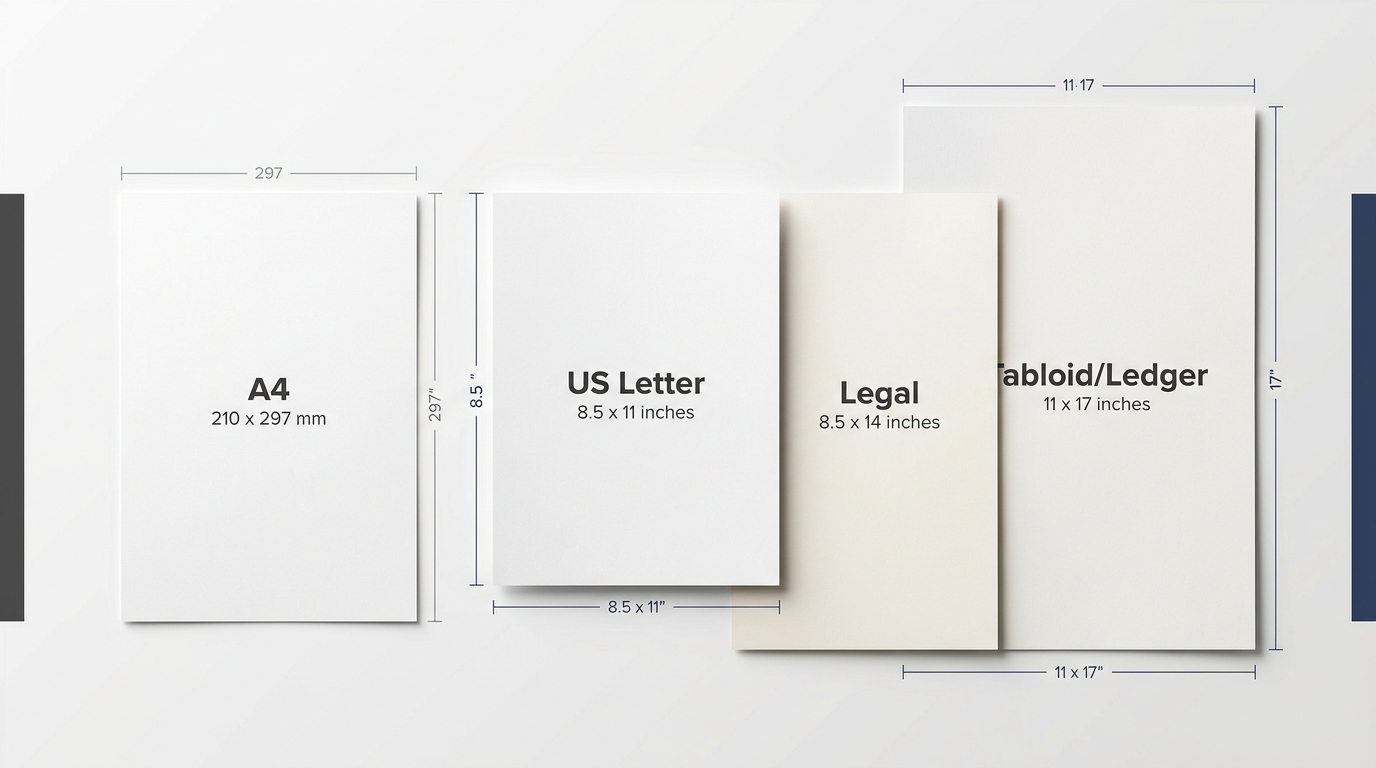
Printer Paper Dimensions: Standard USA Sizes
North American and international are the two standard systems used to define standard printer paper dimensions. In the USA, the...
What Is Kraft Paper? Its Types And Application Guide
Kraft paper is a popular packaging choice today because it is made from strong and eco-friendly material. It is also...
9 Types Of Papers And Their Uses
Basically, paper is made of a thin layer of cellulose fibers, and it is divided into different types and subtypes....
What Is Foil Stamping? Its Types And Advantages
Foil stamping in printing is also known as hot foil stamping. This specialized printing technique uses heat, pressure and metal...
How To Ship Frozen Food? Across The Country And Which Shipping Companies To Choose
Shipping frozen food is simply placing items in a box and sending them on the way. Keeping the temperature according...
What Does Collate Mean When Printing? The exceptional guide
In printing, collating means organizing the output in sequential order. This refers to multiple copies of multiple-page documents. If we...
What Are Shipping Boxes? Detailed Guide To The Dimensions Of Shipping Box
Shipping boxes are typically made of corrugated cardboard. These boxes are specially designed to protect items from breaking during transit...

A Complete Guide To Baseball Card Dimensions
Baseball cards are collectible trading cards featuring baseball players, teams, images, biographical details and career statistics. In the USA, baseball...
A Detailed Guide On Bankers Box Dimensions
Banker boxes are strong and sturdy corrugated cardboard containers. You can store documents and office records in them. These boxes...

What is Varnish Coating in Printing and Packaging? Guide to All Answers
Varnish is a type of coating that is applied to the custom packaging to improve the look that is important....
What is Compostable? A Complete Guide to Everything
Most of us waste our food straight into the trash without giving it a second thought. Like we don’t have...
What is Shelf Ready Packaging? Complete Guide to Every Detail
If your product is great but your packaging is basic, you’re missing out. Like people buy things that are attractive...
How to Print on Cardstock? A Complete Guide to Follow
Have you ever picked up a superbly published invitation or a strong enterprise card and thought, “I want to make...

What Is Flat Rate Shipping? Everything You Need to Know
Customers are more likely to buy the boxes that have low shipping costs. About 50% of customers discard their cart...
Can You Put a Pizza Box in the Oven? Here’s What You Need to Know
In the US, 93% of people eat pizza monthly, and 13% eat it daily. Everyone orders and eats pizza and...
How to Create PR Packages? Tips and Examples to Follow
Many influencers are shining as a result of social media’s rise. They attract a lot of attention by sharing snippets...
What Is Sustainable Packaging? (And Why It Matters for Our Future)
What Is Sustainable Packaging? (And Why It Matters for Our Future) The demand for sustainable packaging has increased in recent...

How to Pack a Pack of Cigarettes? Easy Steps to Follow
Cigarettes are consumed by almost every other person nowadays. 22% of adults on average smoke on a daily basis. But...
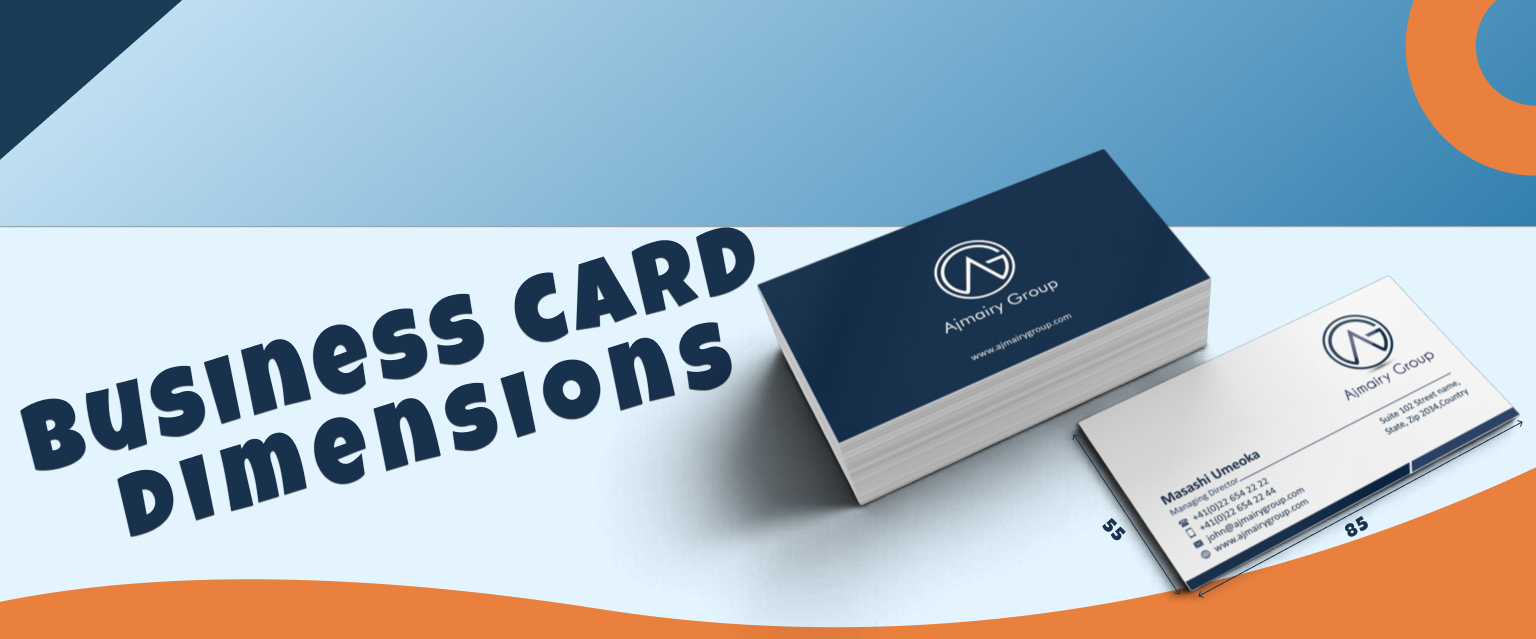
Business Card Dimensions And Size Guide
About 23% of individuals worldwide use business cards, either physical or digital. That means to make a good impression of...
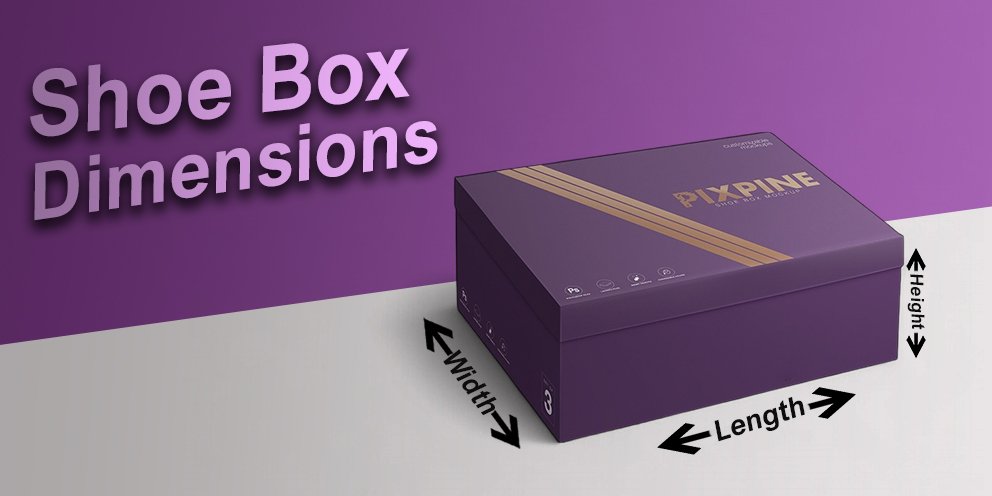
Shoe Box Dimensions: Guide to Everything You Need to Know
We all wear shoes, and most of us don’t think twice about the box they come in. But if you’ve...
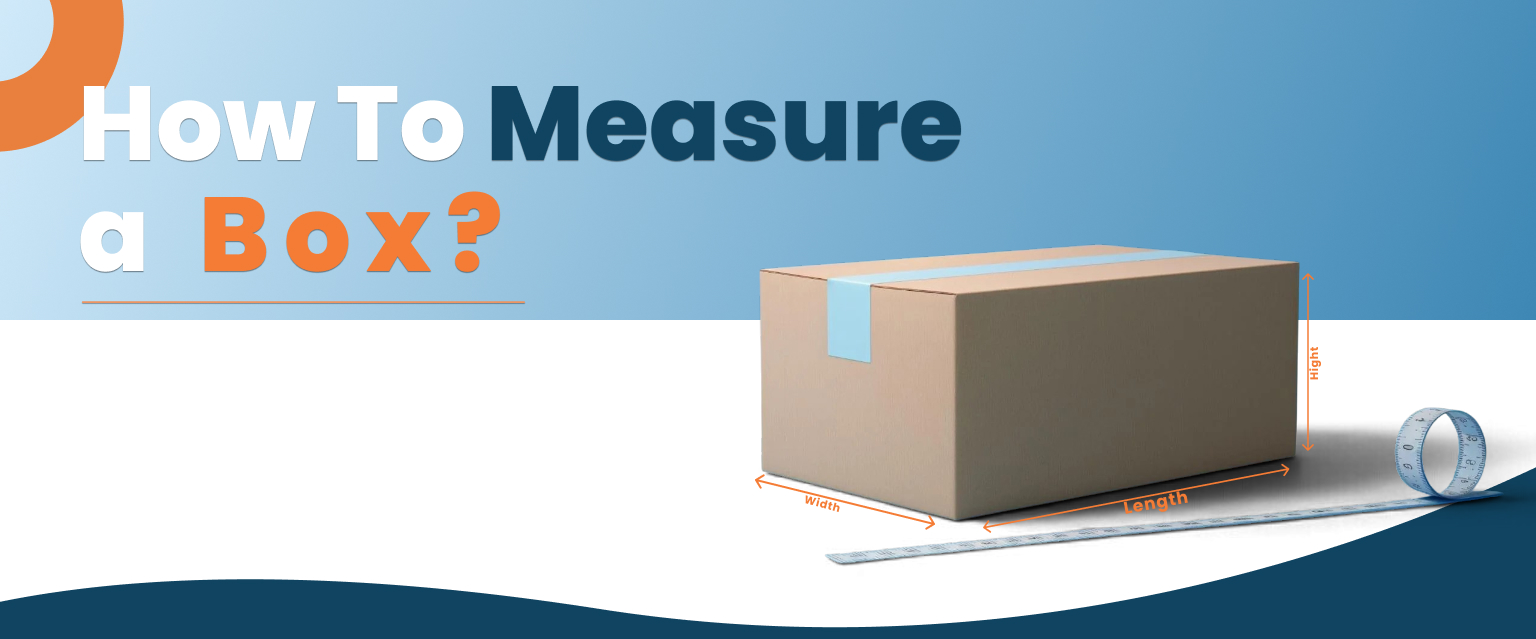
How To Measure A Box? Understanding Everything In A Step-By-Step Guide
Boxes are everyday things that you see daily. We just use them for many things to be done. And when...