
 USA
USA
 CA
CA
















How to Print on Cardstock? A Complete Guide to Follow
Have you ever picked up a superbly published invitation or a strong enterprise card and thought, “I want to make something like this”? But how is printing on ordinary paper less complicated than on cardstock?
Printing on cardstock is perfect for things like Christmas cards or birthdays. But if you haven’t done it before, it might seem a little confusing.
What Is Cardstock? Details To Be Noticed
Cardstock is a strong form of paper. It’s heavier than normal printer paper but not as thick as cardboard.
So, why use cardstock? It feels premium, holds ink well, and gives a polished look to your projects. But printing on cardstock may be a hard pill to swallow, but not an impossible one. It usually weighs between 65 and 110 pounds and comes in different looks like matte, shiny, rough, or even metallic.
Can I Use My Regular Printer? The Main Question That Must Be Solved

It depends on the capacity of your printer. Some home printers can handle light to medium-weight cardstock (usually up to 80 lb or 216 gsm). Here’s what you need to know about how to print on cardstock at home:
- Look at your printer’s manual or search online to see the maximum paper weight it supports.
- Look at the paper tray. Some printers have a rear-feed slot, which is better for thick paper because it allows a straighter path through the printer.
- Inkjet printers tend to handle thick paper better than laser printers, but that’s not a hard rule. Many newer laser printers are capable of cardstock printing, too.
Before You Print: Get Set Up Right Without Further Ado

There are some steps you should know about how to get my printer to print on cardstock to ensure things are going well:
1. Design Your File for the Right Size
If your cardstock is 5×7 inches, make sure your design file matches that. If you’re using standard 8.5×11 cardstock and plan to cut it, create guides in your design software (like Canva, Adobe Illustrator, or Word) so you know where to trim.
2. Load the Paper Correctly
Check your printer’s loading instructions. Make sure it’s loaded straight and not crumpled or curved.
3. Change Printer Settings According to Needs or Standards
Start by reading your printer’s guide to verify if it supports cardstock printing. Refer to your printer’s guide to see which tray is suitable for cardstock.
Load the Cardstock Properly
- If your printer has one paper guide, align the cardstock to the right side.
- If your printer has two paper guides, center the cardstock between the guides for even feeding.
Then:
- Go to File > Print > Properties
- Look for the Paper Type option
- From the dropdown, choose the appropriate setting, like Cardstock, Glossy Cardstock, etc.
Set a Custom Paper Size (if needed)
- Go to File > Print > Page Setup
- Find the Paper Size section
- Choose Custom Defined Size
- Enter your cardstock’s width and height.
- Click OK and Print
Once everything is set, hit Print and you’re good to go. Then let the ink dry for some time for a great look.
Different Printer Companies And Their Steps To Print On Cardstock
There are different printer companies that you should know before buying a printer. Before purchasing the printer, you should check whether it can be used for printing on cardstock.
Canon Printer
First thing you have to do when you want to print cardstock on a Canon printer is load the thick paper in the rear paper tray. Then you should select cardstock or heavy paper on your computer’s media type settings. The guide to how to print cardstock on canon printer will be a great help for you.
Epson Printer
The first step in how to print cardstock on epson printer is to push the output tray extension and then leave the tray open. Then you should set the paper thickness, slide the edge guide to the right to make space for cardstock, open the printer and place the cardstock. Afterwards, completely set the paper and then close the printer and press the button to start printing.
HP Printer
For printing cardstock on an HP printer, you should adjust the printer properties according to the heavy paper type and place the sheets slowly and carefully. The one thing you should know before knowing about how to print cardstock on HP printer is that you should know your printer’s limits.
What If the Ink Smudges? A Common Issue That Can Arise
Smudging usually means that your paper does not absorb the ink sufficiently. What can you do here:
- Choose the right media type in settings
- Try reducing the print quality slightly.
- Give prints more drying time before touching them.
- You can also try a different brand of cardstock. Some just work better with your printer than others.
Dealing With Paper Jams That Happen Many Times (But Don’t Panic)
On the other hand, this problem also arises; It occurs more often with thick paper. Here’s how to reduce the risk:
- Feed one sheet at a time.
- Use the rear paper tray if you have one.
- Don’t force thick paper into the main tray
If a jam does happen, stay calm. Turn off the printer and gently pull out the paper following your printer’s manual instructions.
Various Sizes Of Paper To Print On
You can get cardstock in different sizes; that is why it is important that you know whether there are any changes that you should know about when printing on different sizes of cardstock.
How To Print On 5×7 Cardstock
To print on 5 x 7 cardstock, you have to set the printer setting according to it, then load the paper into a tray and start printing.
How To Print On 12×12 Cardstock
For printing on 12 x 12 cardstock, you need a wide-format printer. You should use a manual feed tray or rear paper slot so the cardstock doesn’t jam or bend.
How To Print On 4.5 x 6.5 Cardstock
Firstly set the print according to this custom size, then change the printer setting to cardstock or heavy paper. You will get a better result if you feed the paper one by one.
How To Print On 4×6 Cardstock
To make sure that you get a high-quality result, adjust your printer according to this small size of cardstock. And then according to it, start printing.
How Much Does It Cost To Print On Cardstock?
The average range of printing on cardstock is around $0.20 to $0.50 per page. Prices can vary depending on where you are getting it from, such as commercial shops, self-service stations or printing at home. For your better understanding, we have written down some retailers’ costs and how much it costs at home.
| Retailers | Costs for colored cardstock | Costs for black & white cardstock |
| Fedex | $1.10 – $1.50 | $0.50 – $0.70 |
| Office depot | $0.85 – $1.20 | $0.35 – $0.50 |
| Staples | $0.95 – $1.30 | $0.45 – $0.60 |
| UPS store | $1.20 – $1.75 | $0.60 – $0.80 |
And if we talk about the cost at home, then it is around $0.25 to $0.65 per page.
Final Tips For Success In Printing On Cardstock
- Always test print first. It saves you a lot of time and wasted cardstock.
- Cut carefully.
- Do put efforts to store your cardstock flat to avoid curling or bending before printing.
- Make sure to avoid double-sided printing unless your printer is rated for it.
Final Thoughts To Conclude
Printing on cardstock is not very hard. You just have to follow some simple tips. Choosing the right cardstock and printing it with fully guided instructions on your printer will help you get the exact results you want.
After reading this blog, you can easily print on cardstock using different printers. Now you know what steps you have to follow and what settings you have to use for different page sizes. You can also get cardstock printed from UPacked; we offer high-quality results and at affordable rates. Our budget-friendly rates don’t mean that we compromise on the quality.
FAQ’s
How Do I Print Something On Cardstock?
Load the cardstock into your printer tray, select the right paper type in settings, and hit print.
How To Print On 110lb Cardstock?
For this, you have to change your printer setting to heavy paper or thick paper and then you will get accurate results.
Can We Print Tags On Cardstock?
Yes, you can print tags on cardstock if you know how to print tags on cardstock. You can use many inkjet or laser printers for it.
How To Print On Black Cardstock?
You cannot use regular printing ink for printing on black cardstock because it is absorbed into dark paper and is translucent. For this, you should use a white toner printer.
How To Print On Kraft Cardstock?
Adjust your printer settings for heavy paper, load the cardstock, and print like normal.
Can A Normal Printer Print On Hard Paper?
Yes, but only if the paper isn’t too thick; check your printer’s supported media types.
How To Print On Thick Cardstock?
If you want to print on thick cardstock without smudging and jamming, then you should set your printer settings to heavy paper before printing.
Can We Get Cardstock In Dark?
Yes, you can get dark cardstock but the process of how to print on dark cardstock is a bit different, as you cannot use regular printing ink.
How To Print Canva Design On Cardstock?
For this, you have to download the design as a high-quality PDF, adjust printer settings and then print directly from the computer.
How To Print White On Colored Cardstock?
To do this, you need to use a white ink or toner printer.
Recent Blogs
From food and beauty to fashion, electronics, and more, our custom packaging boxes are designed to fit your products, reflect your brand, and stand out on the shelf. You tell us what you need and we will handle the rest. We offer a wide variety of packaging styles to suit every product, brand and occasion.
Standard Box Dimensions: A 5 Minutes Guide For You
The dimensions recommended for basic boxes are 1in x 1in x 1in and 1in x 1in x 2in for the...
Standard Comic Book Dimensions And Their Types
Comic books are literature based on multiple genres to amuse multiple audiences. North America is considered the largest market for...
How Much Is A Quarter Of Weed?
A quarter of weed is 7 grams or one-quarter of an ounce of cannabis. In the USA, you can get...
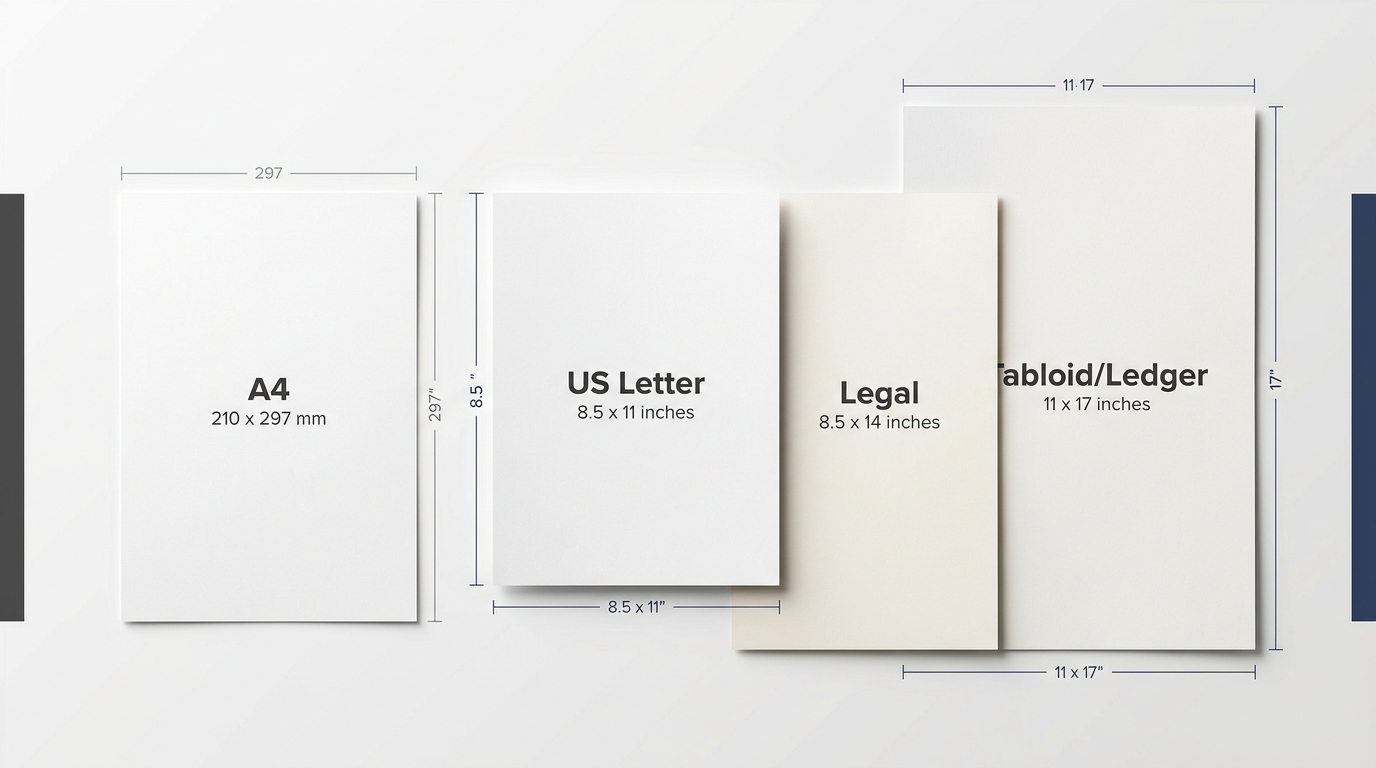
Printer Paper Dimensions: Standard USA Sizes
North American and international are the two standard systems used to define standard printer paper dimensions. In the USA, the...
What Is Kraft Paper? Its Types And Application Guide
Kraft paper is a popular packaging choice today because it is made from strong and eco-friendly material. It is also...
9 Types Of Papers And Their Uses
Basically, paper is made of a thin layer of cellulose fibers, and it is divided into different types and subtypes....
What Is Foil Stamping? Its Types And Advantages
Foil stamping in printing is also known as hot foil stamping. This specialized printing technique uses heat, pressure and metal...
How To Ship Frozen Food? Across The Country And Which Shipping Companies To Choose
Shipping frozen food is simply placing items in a box and sending them on the way. Keeping the temperature according...
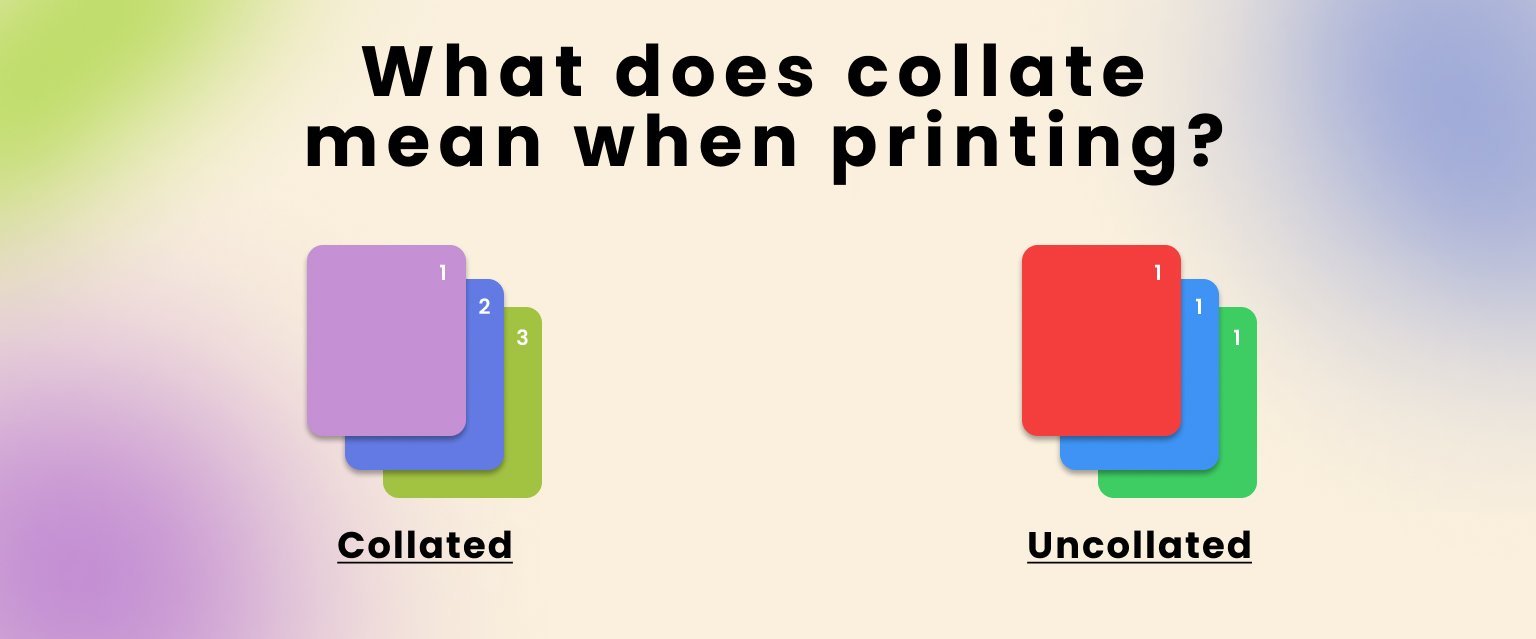
What Does Collate Mean When Printing? The exceptional guide
In printing, collating means organizing the output in sequential order. This refers to multiple copies of multiple-page documents. If we...
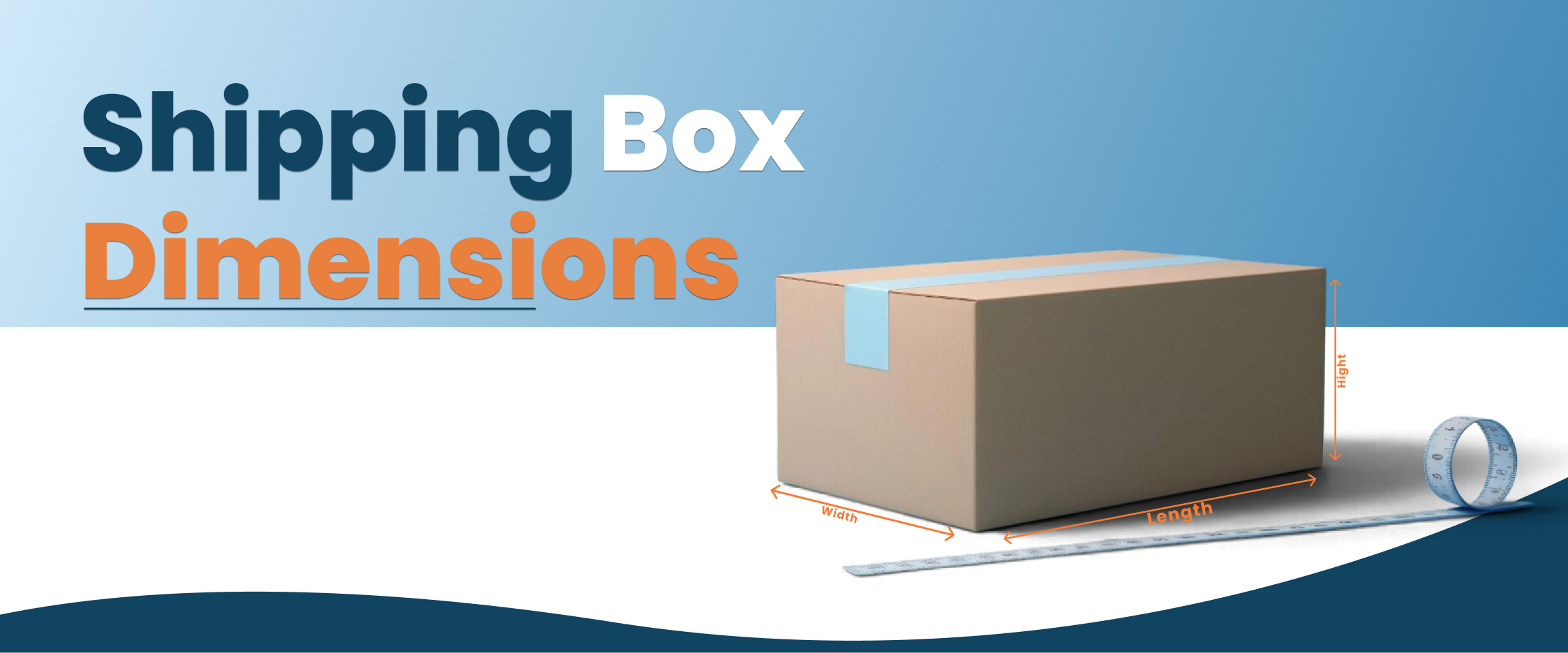
What Are Shipping Boxes? Detailed Guide To The Dimensions Of Shipping Box
Shipping boxes are typically made of corrugated cardboard. These boxes are specially designed to protect items from breaking during transit...

A Complete Guide To Baseball Card Dimensions
Baseball cards are collectible trading cards featuring baseball players, teams, images, biographical details and career statistics. In the USA, baseball...
A Detailed Guide On Bankers Box Dimensions
Banker boxes are strong and sturdy corrugated cardboard containers. You can store documents and office records in them. These boxes...

What is Varnish Coating in Printing and Packaging? Guide to All Answers
Varnish is a type of coating that is applied to the custom packaging to improve the look that is important....
What is Compostable? A Complete Guide to Everything
Most of us waste our food straight into the trash without giving it a second thought. Like we don’t have...
What is Shelf Ready Packaging? Complete Guide to Every Detail
If your product is great but your packaging is basic, you’re missing out. Like people buy things that are attractive...
How to Print on Cardstock? A Complete Guide to Follow
Have you ever picked up a superbly published invitation or a strong enterprise card and thought, “I want to make...

What Is Flat Rate Shipping? Everything You Need to Know
Customers are more likely to buy the boxes that have low shipping costs. About 50% of customers discard their cart...

Can You Put a Pizza Box in the Oven? Here’s What You Need to Know
In the US, 93% of people eat pizza monthly, and 13% eat it daily. Everyone orders and eats pizza and...
How to Create PR Packages? Tips and Examples to Follow
Many influencers are shining as a result of social media’s rise. They attract a lot of attention by sharing snippets...
What Is Sustainable Packaging? (And Why It Matters for Our Future)
What Is Sustainable Packaging? (And Why It Matters for Our Future) The demand for sustainable packaging has increased in recent...

How to Pack a Pack of Cigarettes? Easy Steps to Follow
Cigarettes are consumed by almost every other person nowadays. 22% of adults on average smoke on a daily basis. But...
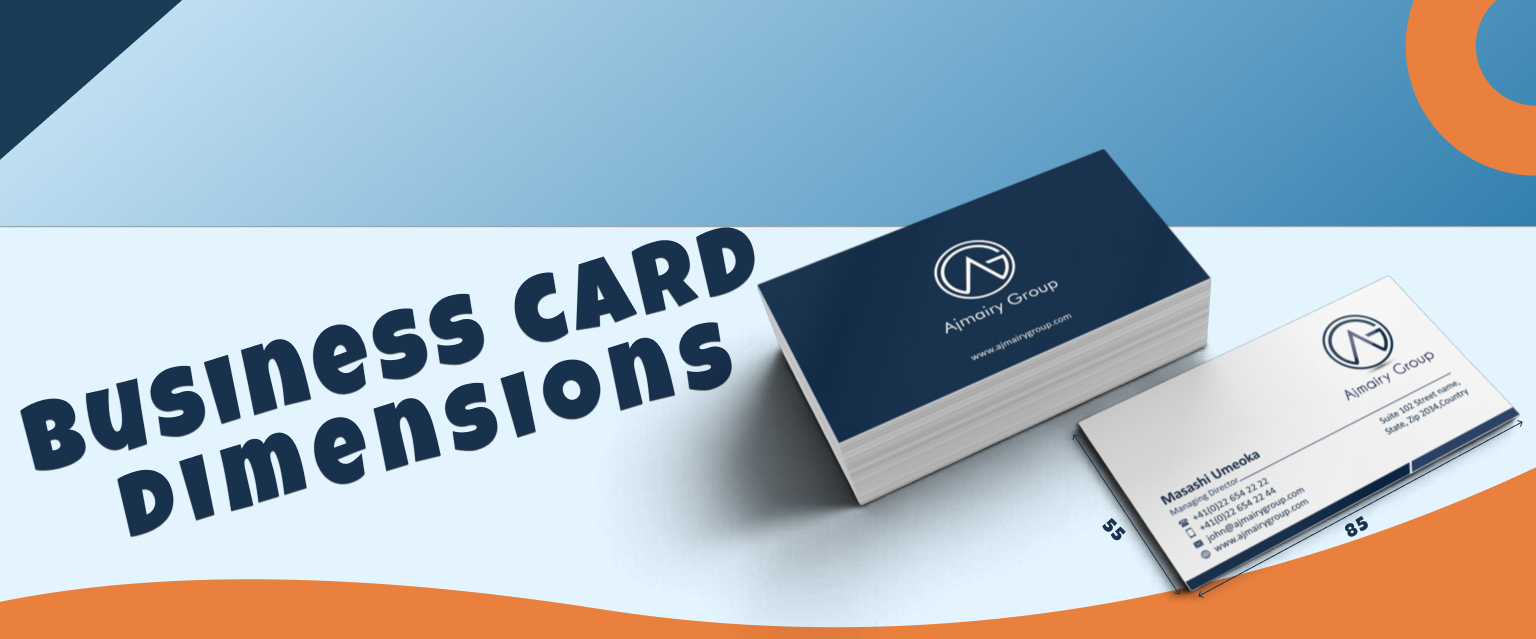
Business Card Dimensions And Size Guide
About 23% of individuals worldwide use business cards, either physical or digital. That means to make a good impression of...
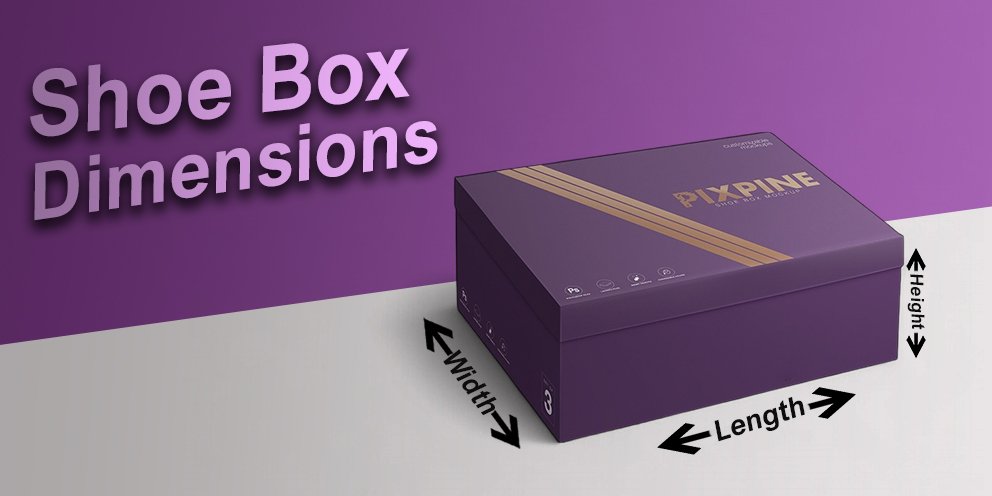
Shoe Box Dimensions: Guide to Everything You Need to Know
We all wear shoes, and most of us don’t think twice about the box they come in. But if you’ve...
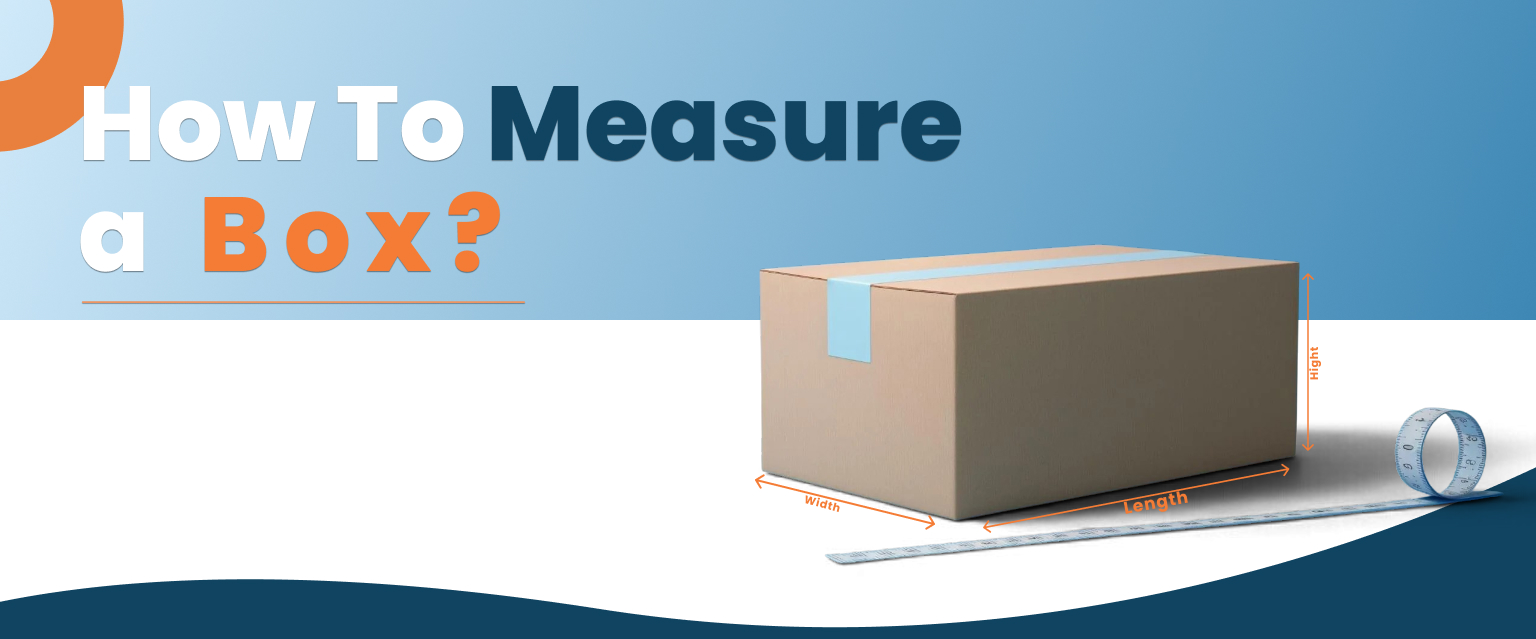
How To Measure A Box? Understanding Everything In A Step-By-Step Guide
Boxes are everyday things that you see daily. We just use them for many things to be done. And when...